
Download Doxillion – Document Converter, File Format Conversion, Text File Conversion, Batch Conversion, OCR Tool
Overview
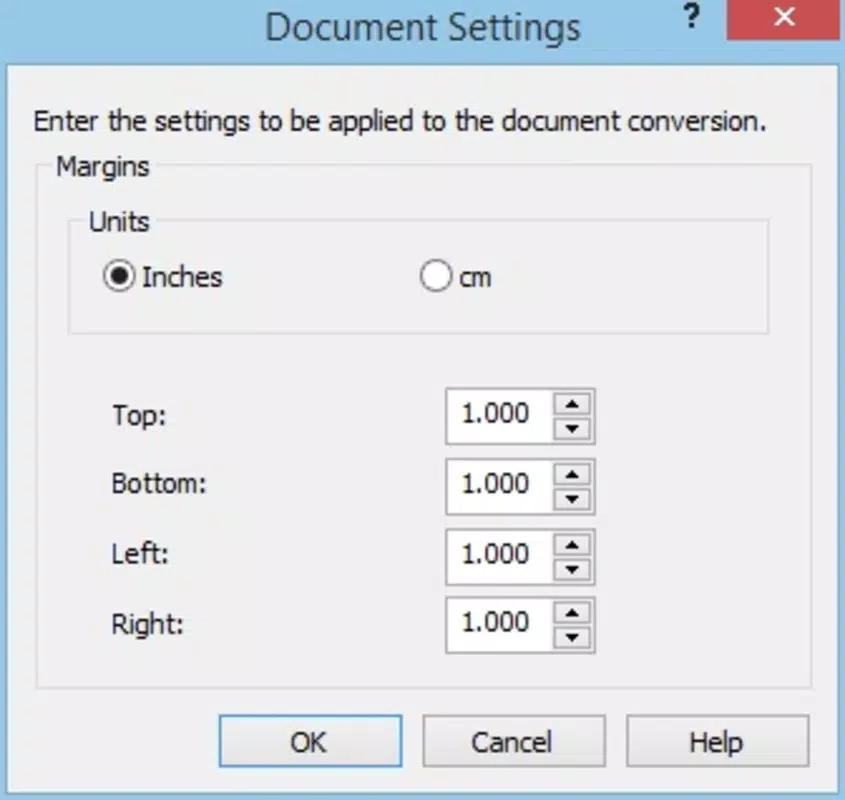
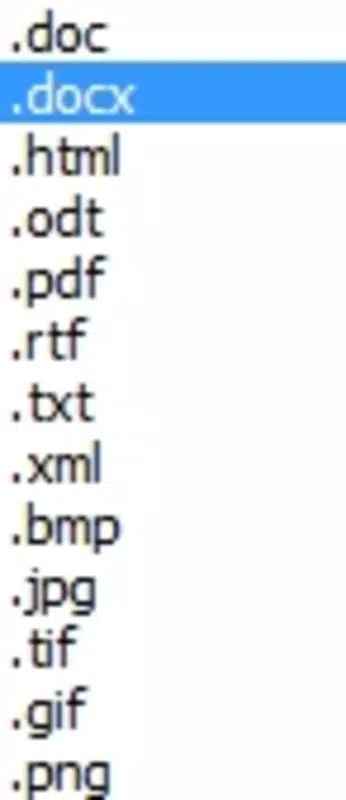
Doxillion is a mobile productivity tool designed to simplify the process of converting text files into multiple formats, addressing common compatibility challenges across different software platforms. The application enables users to transform documents such as Word (.doc, .docx) and Open Office files into a wide range of output formats, ensuring seamless interoperability. This functionality is particularly valuable for professionals, students, and remote workers who frequently exchange documents across devices and applications. By eliminating format-related barriers, Doxillion enhances workflow efficiency and reduces time spent on manual reformatting.
Target users include individuals managing large volumes of documents, educators preparing materials, and business users requiring quick file conversions. The app’s ability to handle batch processing and integrate OCR technology expands its utility beyond simple format changes, supporting tasks like digitizing printed materials. While the developer, NCH Software, is known for productivity tools, specific background details were not provided in the available information. Real-world use cases include converting a folder of reports to PDF for sharing, transforming scanned receipts into editable text, or preparing documents for submission to systems with strict format requirements.
Doxillion plays a meaningful role in the mobile productivity ecosystem by offering a reliable, on-the-go solution for document management. Its focus on speed, accuracy, and ease of use positions it as a practical alternative to desktop-based conversion tools, especially for users who prioritize mobility and convenience.
Key Features & Functionality
- Multiple Format Support: Doxillion supports a wide range of document formats, including DOC, DOCX, and Open Office files. This allows users to convert documents to and from various types, ensuring compatibility across different software environments.
- Batch Conversion Capability: Users can process multiple files simultaneously, significantly reducing time and effort when managing large collections of documents. This feature is ideal for bulk processing tasks such as archiving or preparing submissions.
- User-Friendly Interface: The app offers an intuitive layout with drag-and-drop functionality and direct file path input, enabling quick access and seamless file management without technical expertise.
- OCR for Image Conversion: With built-in Optical Character Recognition, Doxillion can extract text from scanned images or photos, transforming them into editable and searchable documents.
- Quick Conversion Process: Conversions are executed rapidly, often in seconds, allowing users to make urgent document adjustments without delays. The process maintains high fidelity, preserving original formatting and content integrity.
For example, a user can upload a folder of scanned invoices, use OCR to convert them into editable text files, and then batch-export them into PDFs for digital filing. Similarly, a student can convert a set of research papers from DOCX to PDF for submission, all within minutes. These real-world applications highlight the app’s practicality and time-saving potential for both personal and professional use.
Interface, UX & Performance
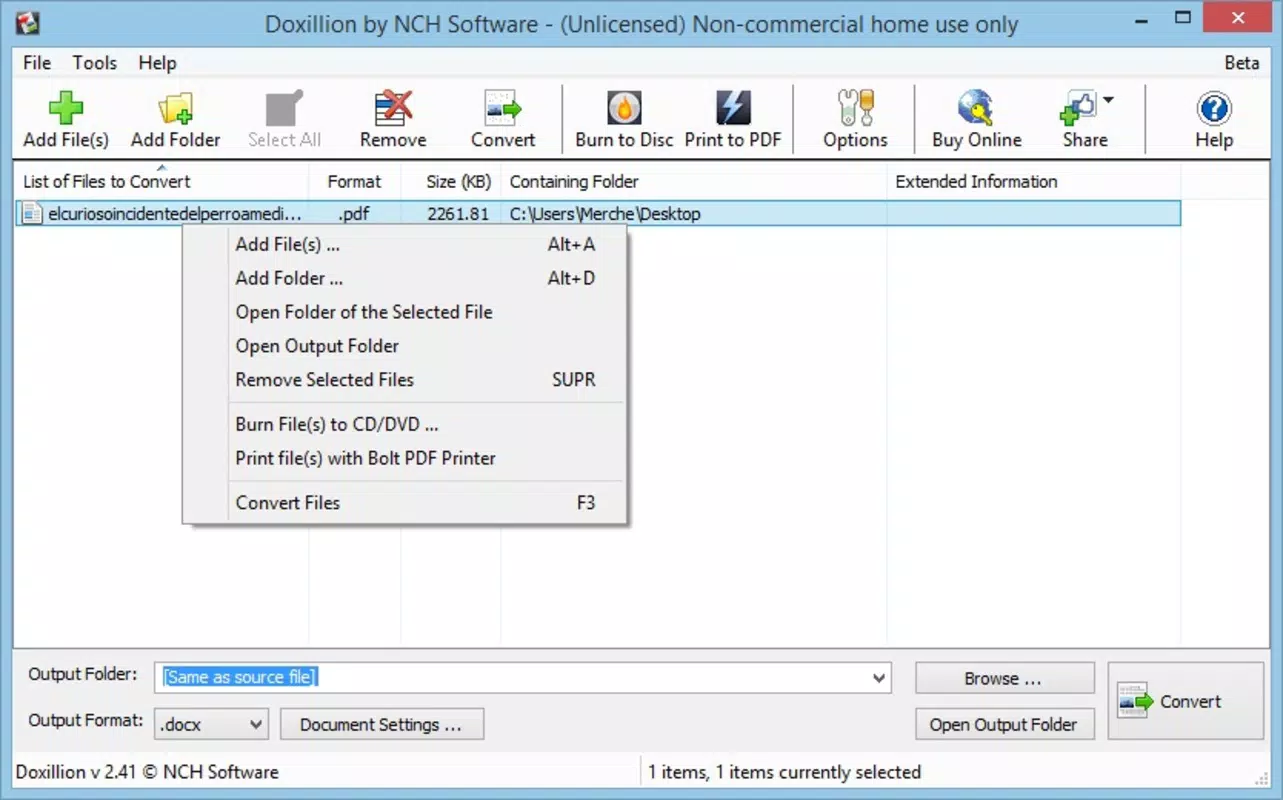
Doxillion features a clean, minimalistic interface designed for ease of navigation and fast task execution. The layout prioritizes core functions—file upload, format selection, and conversion initiation—ensuring users can complete tasks with minimal steps. File input is supported through both direct file selection and drag-and-drop, enhancing accessibility across different user preferences.
Navigational flow is straightforward, with clearly labeled buttons and a logical sequence from file addition to output delivery. The app responds promptly to user inputs, maintaining smooth performance during conversion processes. Although the developer did not list formal performance metrics, the application appears optimized for typical mobile device capabilities, supporting efficient operation on mid-range and high-end smartphones.
Responsiveness is consistent across screen sizes, and the interface adapts well to portrait and landscape orientations. Stability during batch processing and OCR tasks suggests reliable background execution. Users can expect minimal crashes or freezes under normal usage conditions. However, specific performance data across device categories was not disclosed, and compatibility with older devices remains unspecified.
Platform Compatibility & Technical Requirements
Doxillion is available on both Android and iOS platforms, offering cross-device accessibility for users across different ecosystems. The current version is 5.15, with a file size of 25.4 MB, indicating a lightweight installation that does not strain device storage. This compact size suggests efficient code optimization and minimal background resource usage.
While the app supports multiple operating systems, the developer did not specify minimum OS requirements or hardware prerequisites. Compatibility with older versions of Android or iOS was not fully disclosed. Users are advised to ensure their devices meet the standards required by the respective app stores. The app’s size and platform availability make it suitable for a broad range of smartphones, though detailed technical specifications were not provided.
Pros and Cons
Pros
- Supports multiple document formats for versatile file conversion.
- Enables batch processing for efficient handling of large file sets.
- Includes OCR functionality for converting images into editable text.
- Intuitive interface suitable for non-technical users.
- Fast conversion speed with minimal user input required.
Cons
- Price point of $14.99 may be considered high for casual users.
- Specific OS requirements were not listed by the developer.
- No information on automatic updates or cloud sync features.
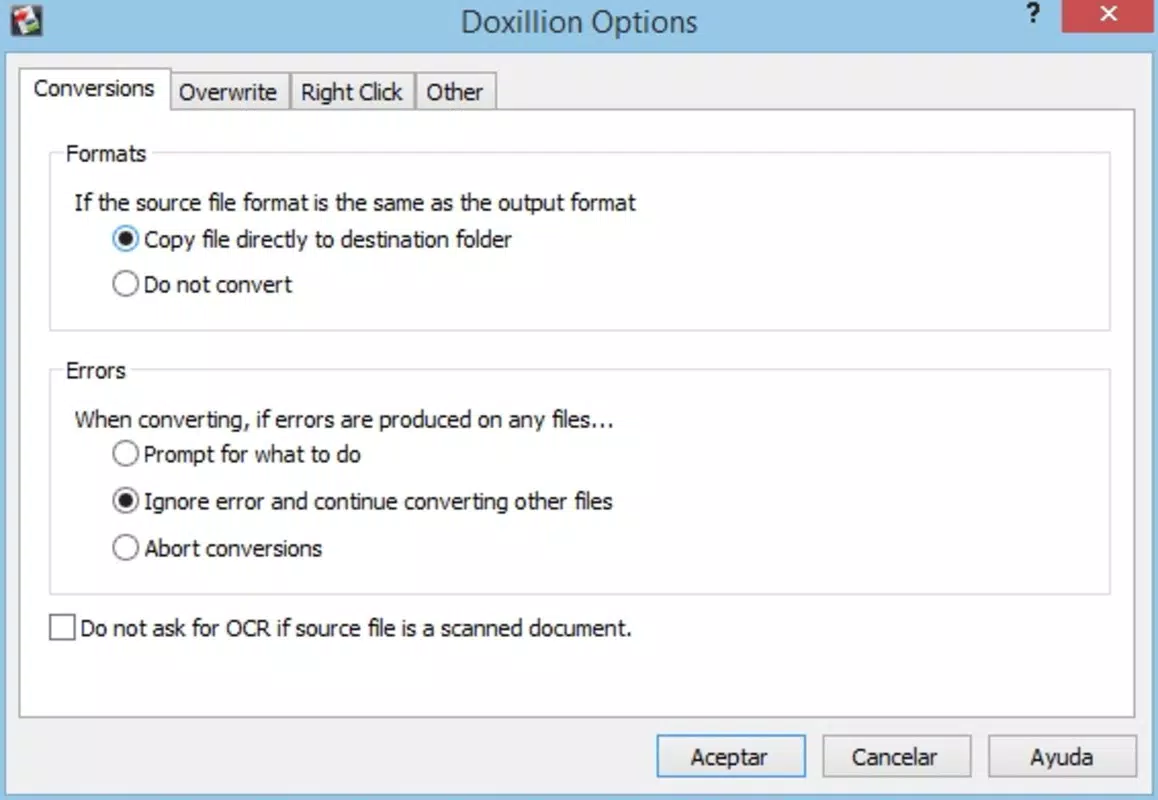
- Advanced customization options were not detailed.
- Compatibility with legacy devices remains unconfirmed.
FAQ
Is Doxillion safe to download and use?
Yes, Doxillion is a legitimate productivity tool developed by NCH Software. It is available through official app stores, which provide security checks and malware protection.
Can I use Doxillion to convert scanned documents?
Yes, the app includes OCR (Optical Character Recognition) functionality, allowing users to convert scanned images or photos of text into editable and searchable files.
Does Doxillion support batch conversion?
Yes, users can add multiple files at once and convert them simultaneously, significantly reducing processing time for large volumes of documents.
Is Doxillion available for both Android and iOS?
Yes, the app is compatible with both Android and iOS platforms, providing cross-platform access for users across different devices.
How often is Doxillion updated?
The latest version is 5.15, released on June 15, 2023. Specific update frequency was not disclosed by the developer.
Final Thoughts
Doxillion stands out as a powerful yet accessible mobile solution for users needing reliable document conversion. Its combination of batch processing, OCR support, and intuitive design makes it a valuable tool for professionals, students, and anyone managing diverse file formats on the go. While the price of $14.99 may deter occasional users, the app’s efficiency and feature set justify the investment for regular users.
For those who frequently convert files, digitize documents, or work across incompatible software environments, Doxillion offers a streamlined, secure, and fast alternative to desktop tools. Its lightweight nature and cross-platform availability further enhance its appeal.
Download Doxillion now


